Ko-fi
Beta opens Thu, Sept 17Beta guide →

Early Access · v0.2.5 · Windows

ClassicQuester Companion

A Windows app for WoW Forever that signs in with your ClassicQuester account. Today it has the talent calculator, the guild finder and the news from this site. Character and quest sync come after the Forever beta, through a ClassicQuester addon.

Companion 0.2.5 is coming to the Microsoft Store for Windows: what that means. Join the Discord to hear when it goes live.

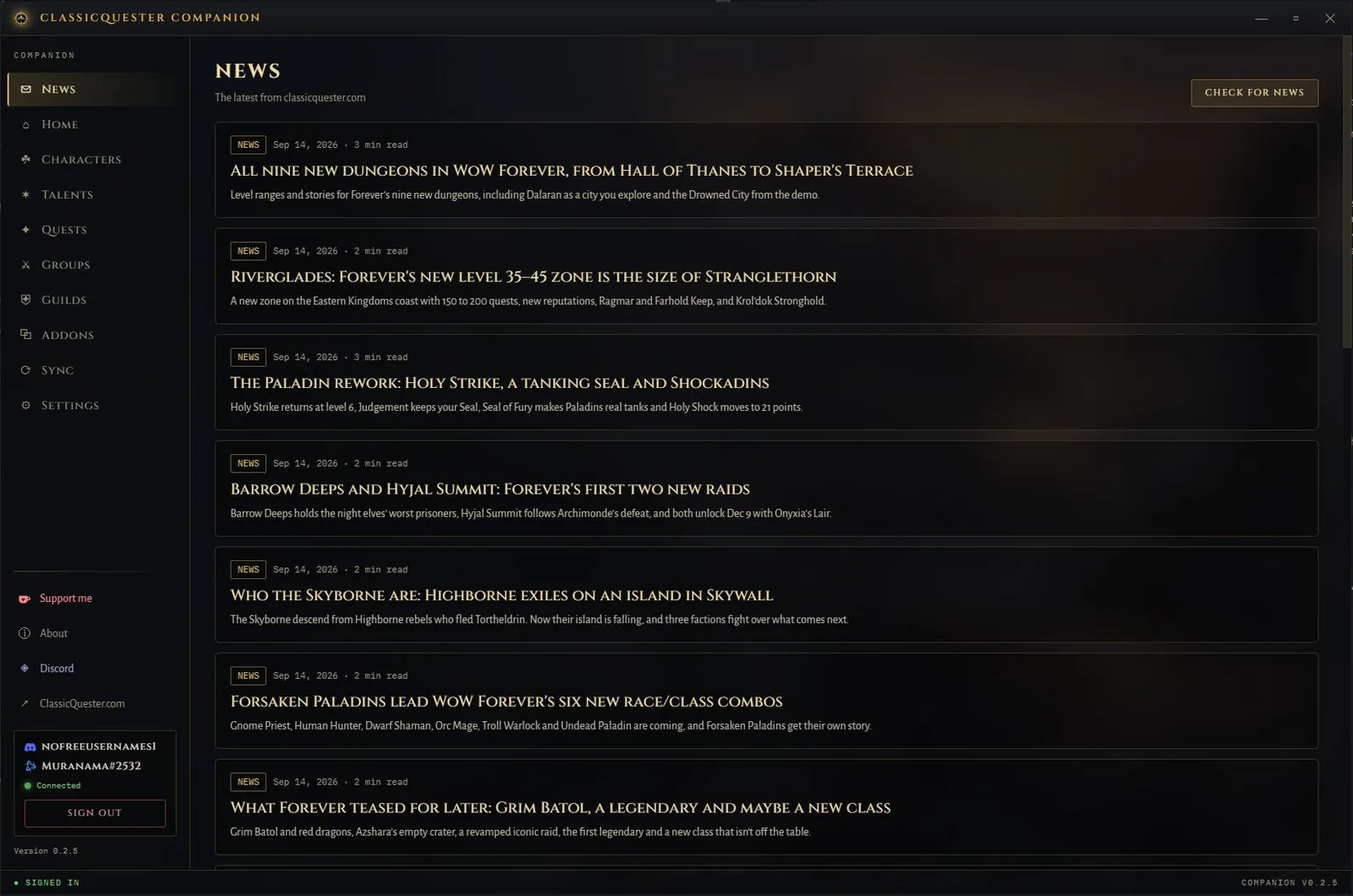
ClassicQuester Companion 0.2.5 showing the News screen with the latest WoW Forever articles from ClassicQuester.com
The News screen in Companion 0.2.5.

Coming to the Microsoft Store

Companion is on its way to the Microsoft Store, and that will be the way to install it.

What to expect

  • Install it from the Microsoft Store like any other Windows app.
  • Microsoft signs the package, so Windows won’t warn you about an unknown publisher.
  • Windows keeps it up to date in the background.

It’s with Microsoft for review now. Join the Discord and I’ll post as soon as the listing is live.

— Muranama

What works today

These parts use your ClassicQuester account and work before the Forever beta.

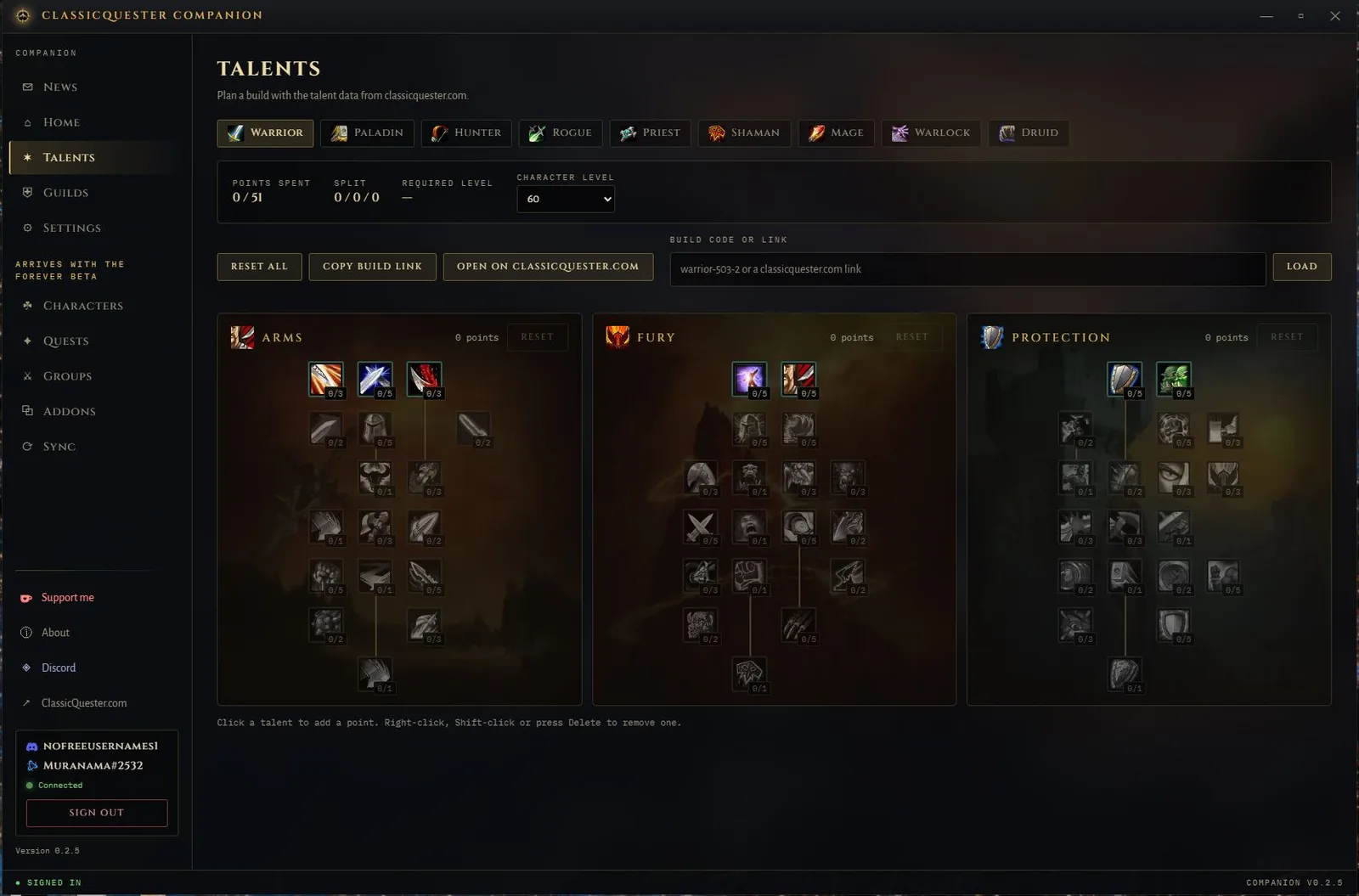
Companion talent builder showing the Warrior Arms, Fury and Protection trees
Talent builder with the Warrior trees.

Talent calculator

The same talent data and build codes as the calculator on this site, so a build link opens in both.

Open the talent calculator

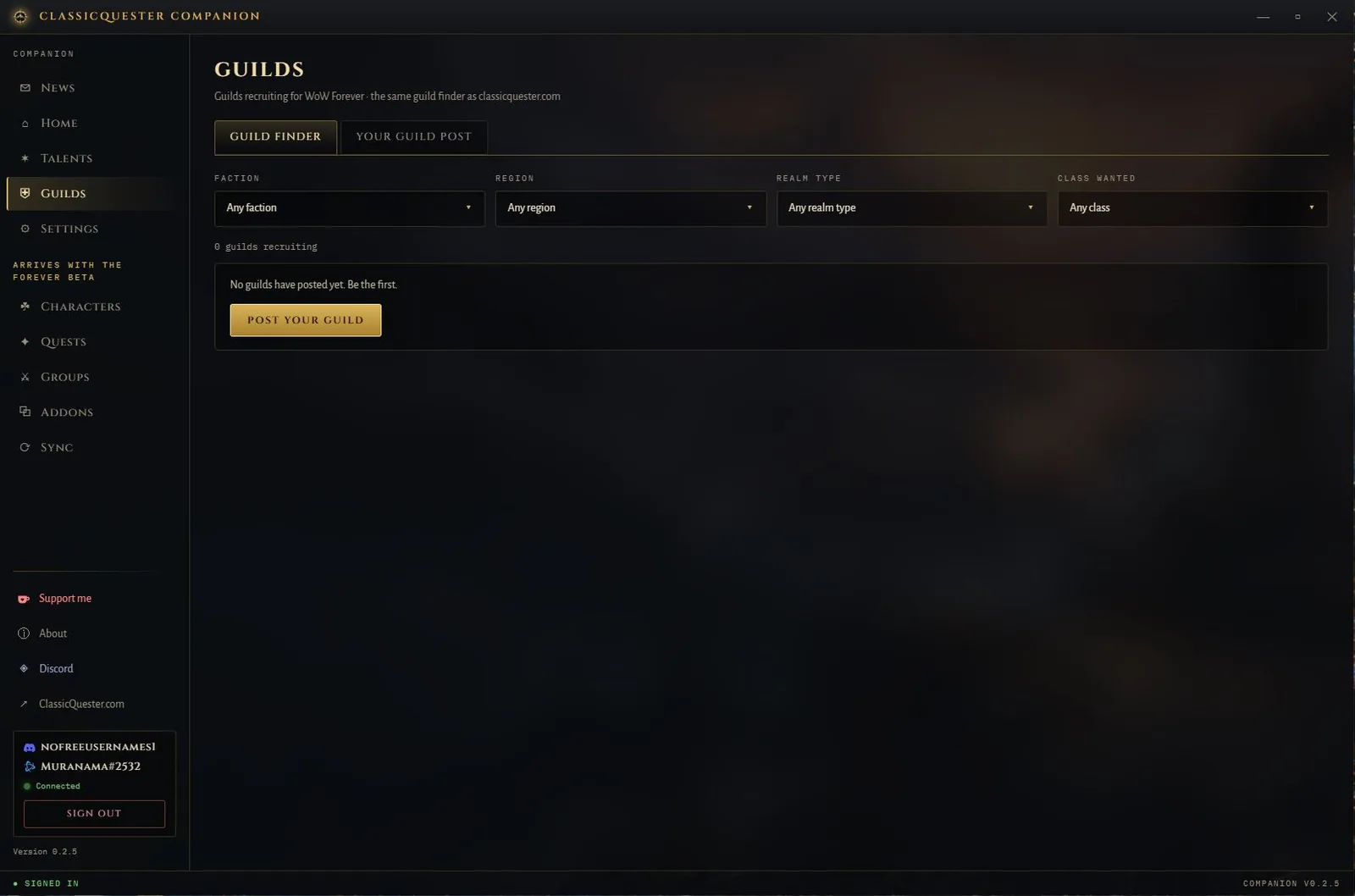
Companion guild finder with Faction, Region, Realm type and Class wanted filters
Guild finder with its four filters.

Guild finder

The same guild listings as classicquester.com. Post your guild once and it shows up in both.

Browse guilds
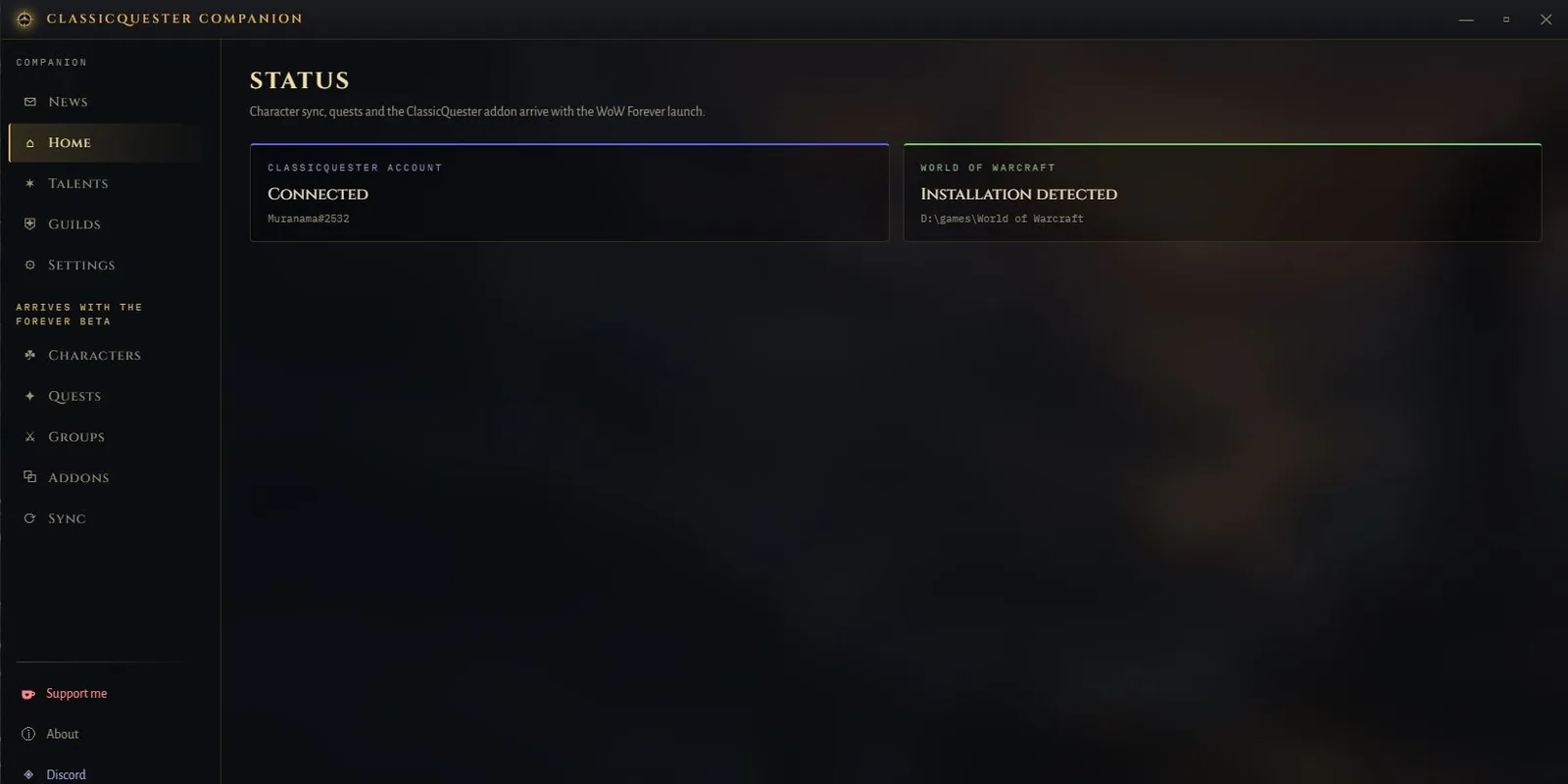
ClassicQuester Companion 0.2.5 home screen with the ClassicQuester account connected and a World of Warcraft installation detected
Home screen with the account connected.

Account and news

Sign in with Discord or Battle.net in your browser. News and talent data are kept on your PC, so they still open when you’re offline.

After the Forever beta

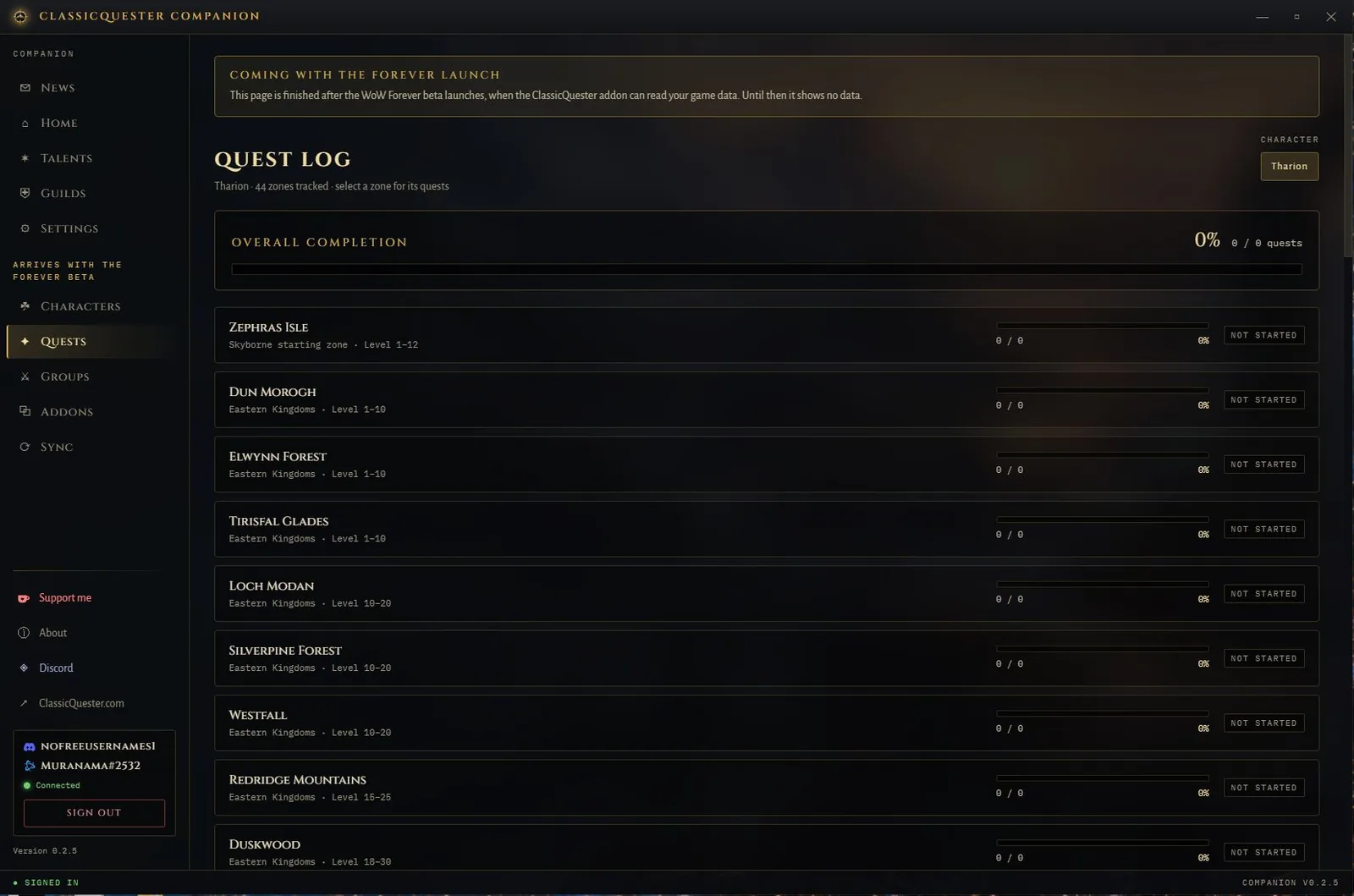
These screens are already in the app, but they show example data. They start showing your own characters once the beta client is out and the ClassicQuester addon can read the game.
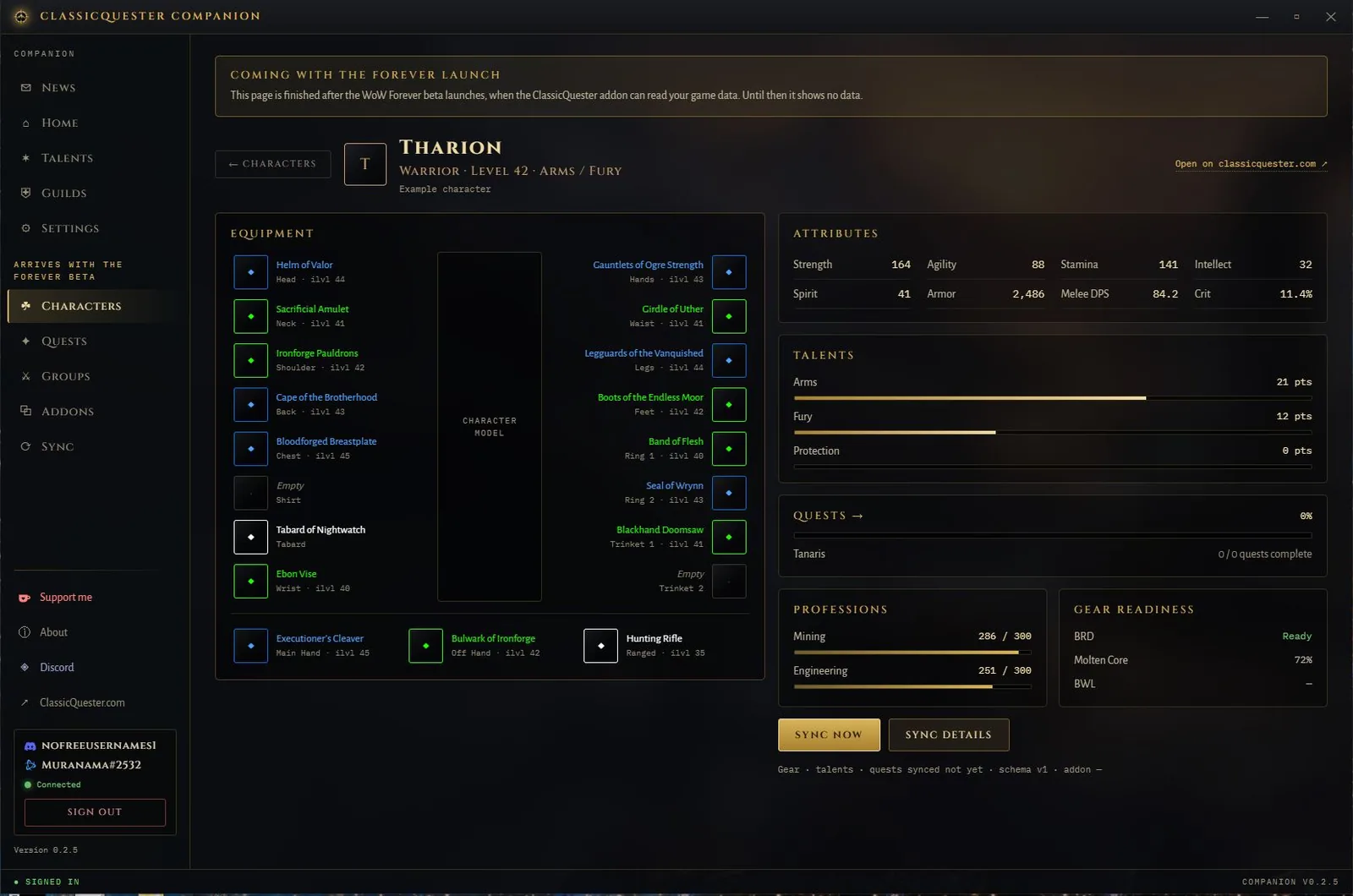
Companion example character page for Tharion, a level 42 Warrior, with equipment, attributes, talents, quests, professions and gear readiness
Example data: the character page with a made-up level 42 Warrior.
Companion quest log preview listing zones such as Zephras Isle, Dun Morogh and Elwynn Forest with no quests synced yet
Example data: the quest log, with no quests synced yet.

Planned for the beta

  • Your characters, gear and stats
  • Quest progress for every zone
  • Installing and updating the ClassicQuester addon
  • A group finder for quests and dungeons

What it does on your PC

Sign-in
Discord and Battle.net sign-in open in your normal web browser, so you never type those passwords into Companion.
Stored login
Companion keeps its sign-in credentials in Windows Credential Manager.
Updates
Installed by the Microsoft Store in the background, so you stay on the current version.
The game
Companion doesn’t play, click or automate anything in World of Warcraft.
Platforms
Windows only for now.
Privacy
What Companion sends, keeps on your PC and uploads to the shared game database is set out in the privacy policy.

Get the Companion

It’s in Early Access, so expect frequent updates and some bugs. The Discord is the place for bug reports and ideas.

Coming to the Microsoft Store for Windows: what to expect.

ClassicQuester is an independent project and is not affiliated with or endorsed by Blizzard Entertainment.